Built to stay live.
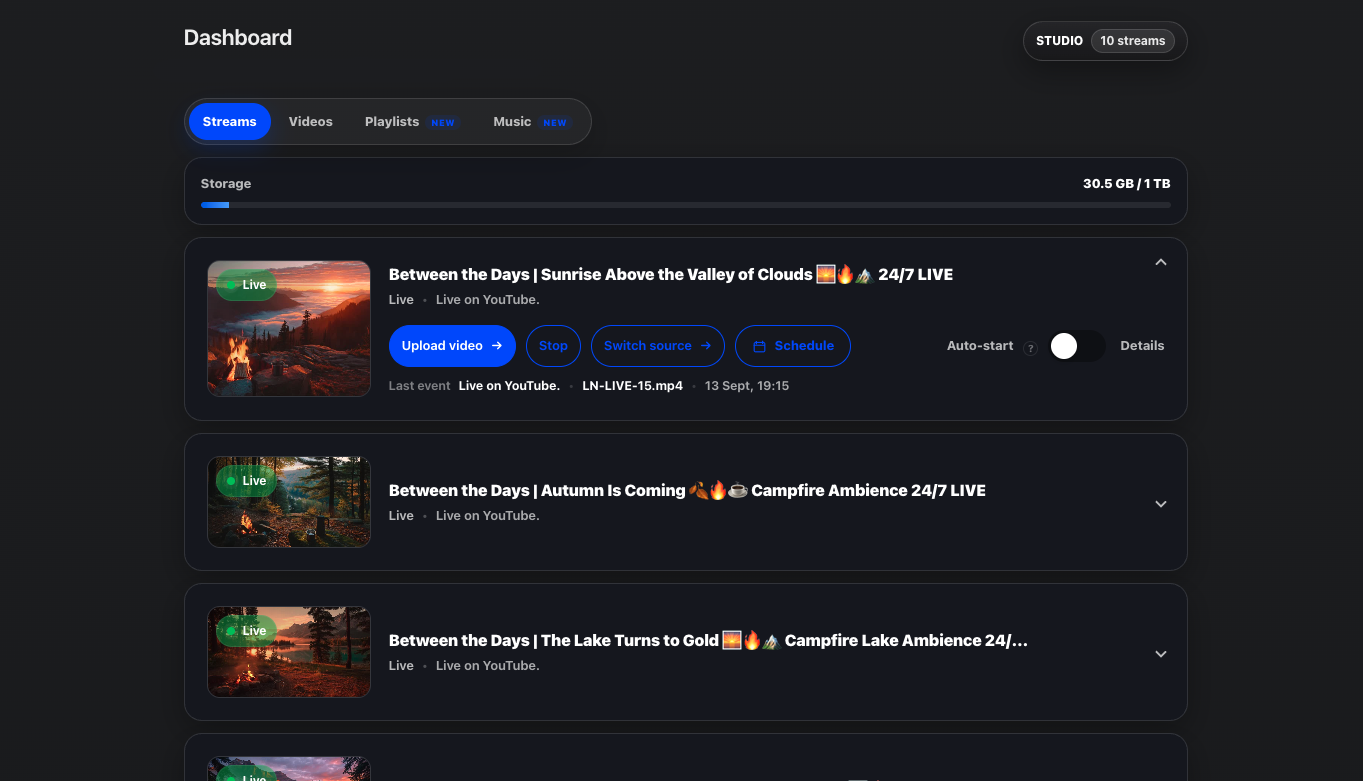
Streamstead runs your YouTube livestreams from cloud infrastructure designed for long-running broadcasts. No always-on computer. No local OBS session. No machine sitting under a desk for days at a time.

Cloud infrastructure for long-running YouTube livestreams. Upload your content, build video and music playlists, schedule broadcasts and keep everything running without OBS or an always-on computer.
Streamstead runs your YouTube livestreams from cloud infrastructure designed for long-running broadcasts. No always-on computer. No local OBS session. No machine sitting under a desk for days at a time.

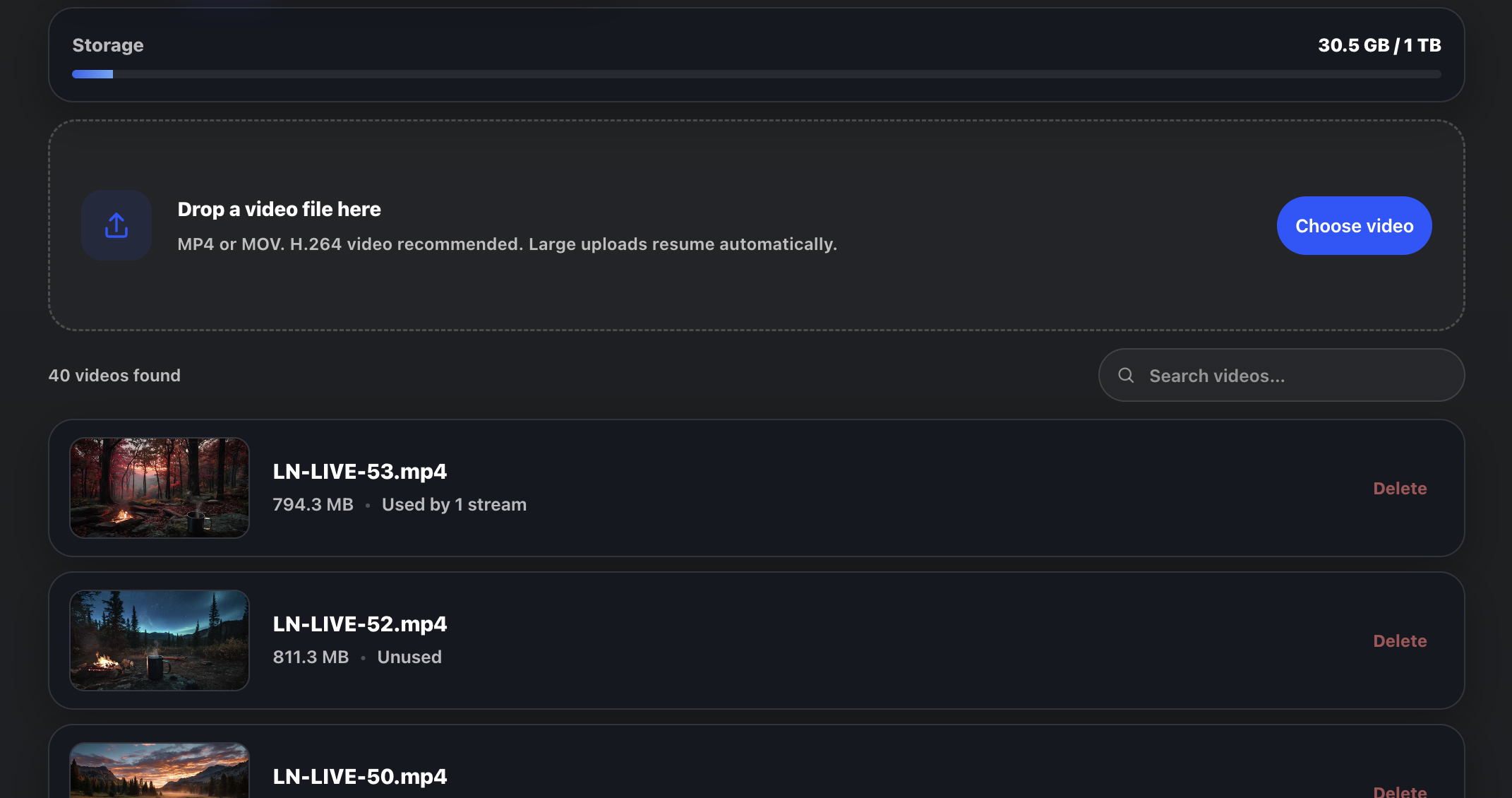
Keep your videos inside a reusable Streamstead library. Upload once, prepare the file for streaming, then use it across different livestreams without repeatedly moving or re-uploading the same content.

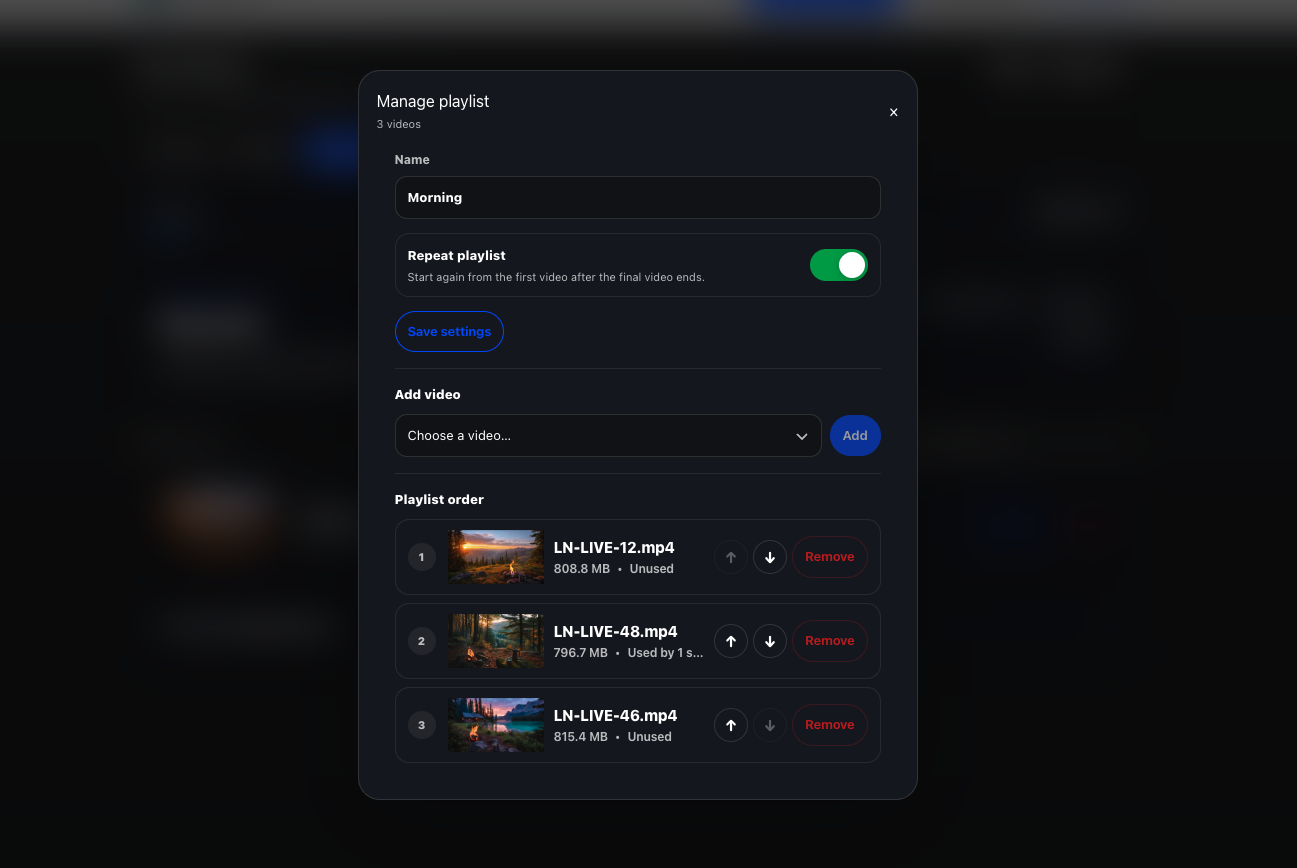
Build ordered video playlists from media already in your library. Run a sequence once, repeat it continuously, or move a livestream onto a new playlist when you want to change what is being broadcast.

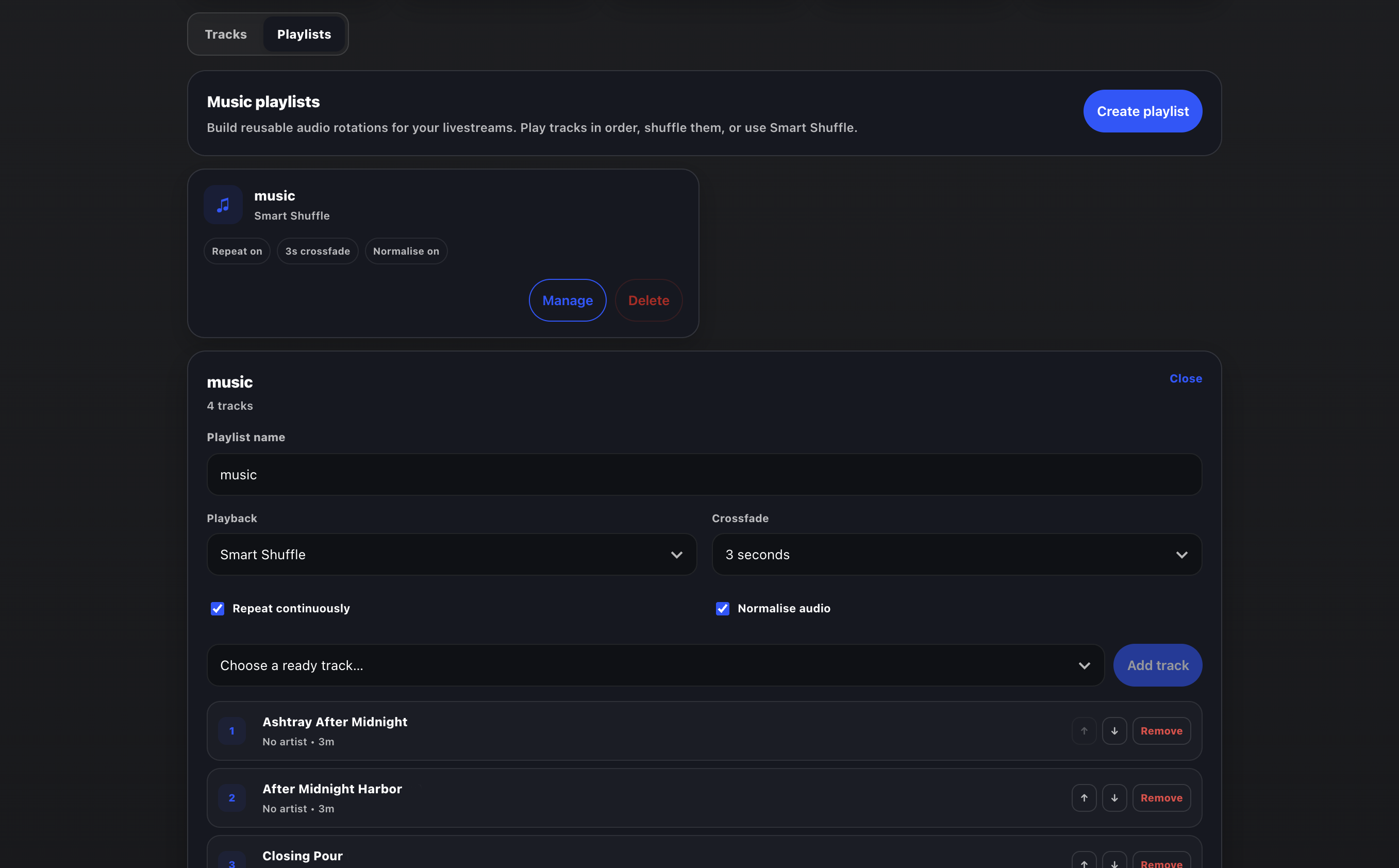
Upload music independently from your videos and build reusable audio playlists for your livestreams. Change the soundtrack without rebuilding the visual source.

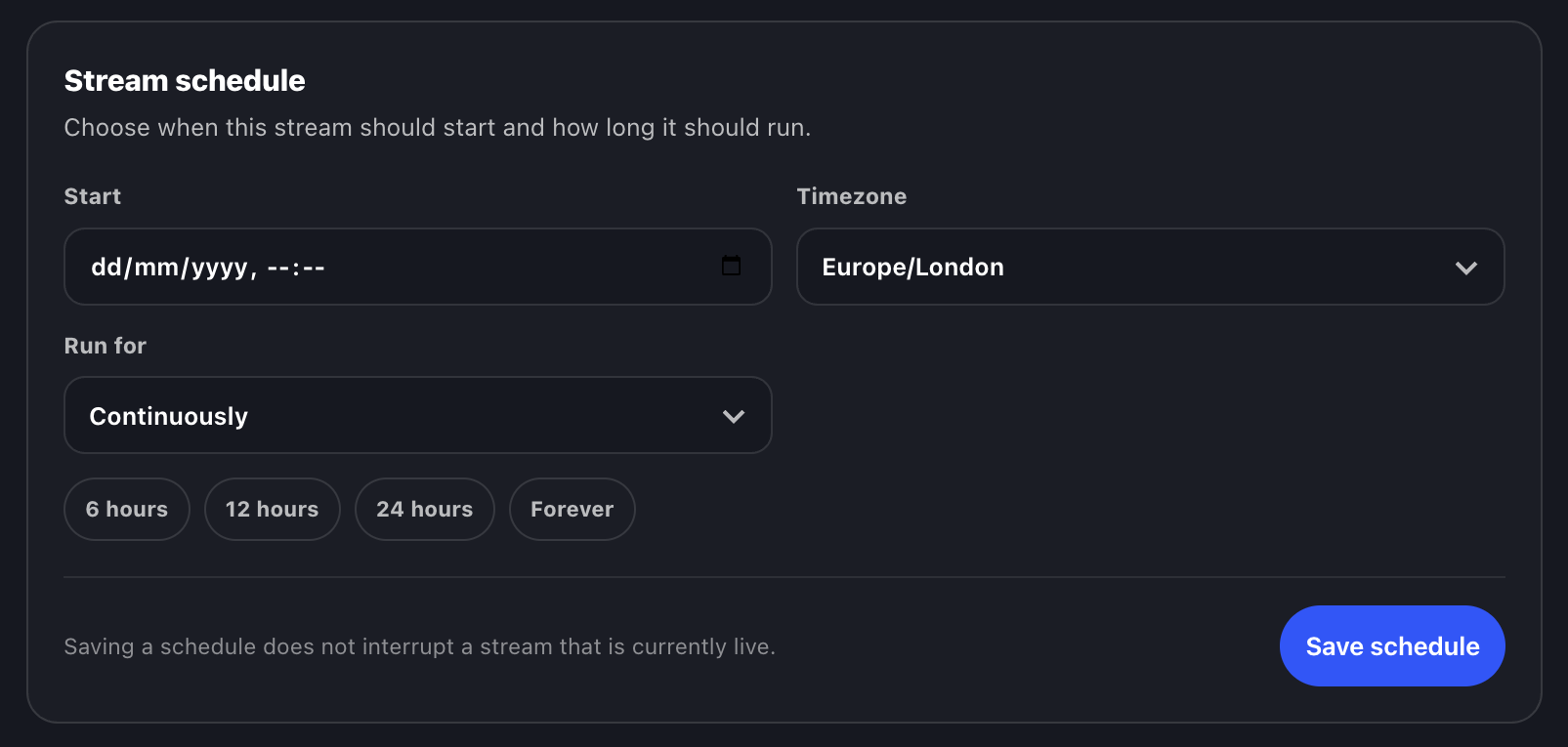
Schedule a stream to start at a specific date and time, choose the correct timezone and decide how long it should run. Streamstead handles the cloud-side schedule while YouTube handles the public broadcast state.

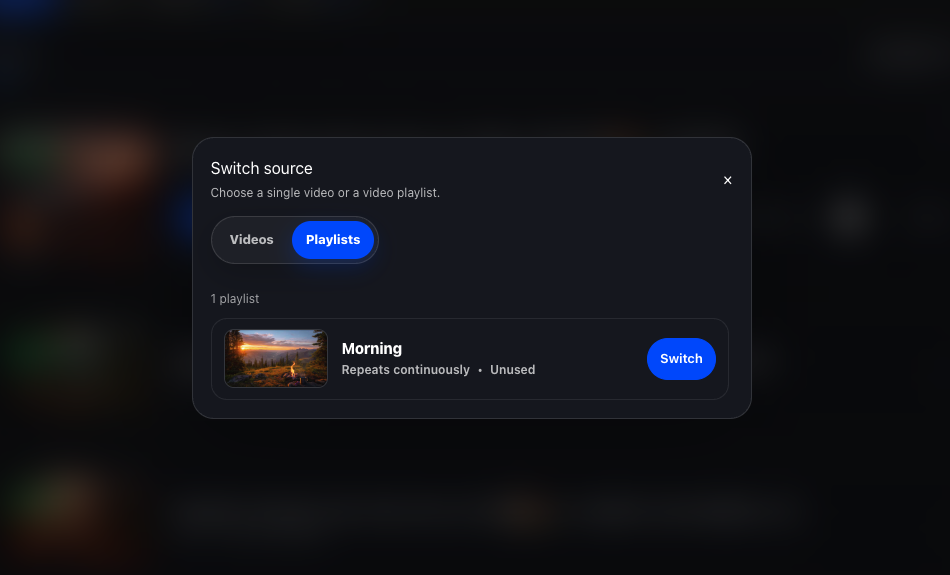
Switch a livestream between individual videos and video playlists from the dashboard. Streamstead takes care of the underlying restart and source change without needing local broadcasting software.

Upload your content. Build the video or music rotation you want. Choose when it should run. Streamstead handles the cloud infrastructure behind the broadcast.
Streamstead gives long-running YouTube livestreams a permanent home in the cloud.